Published on: Fri 30-Jan-2026 10:45 AM
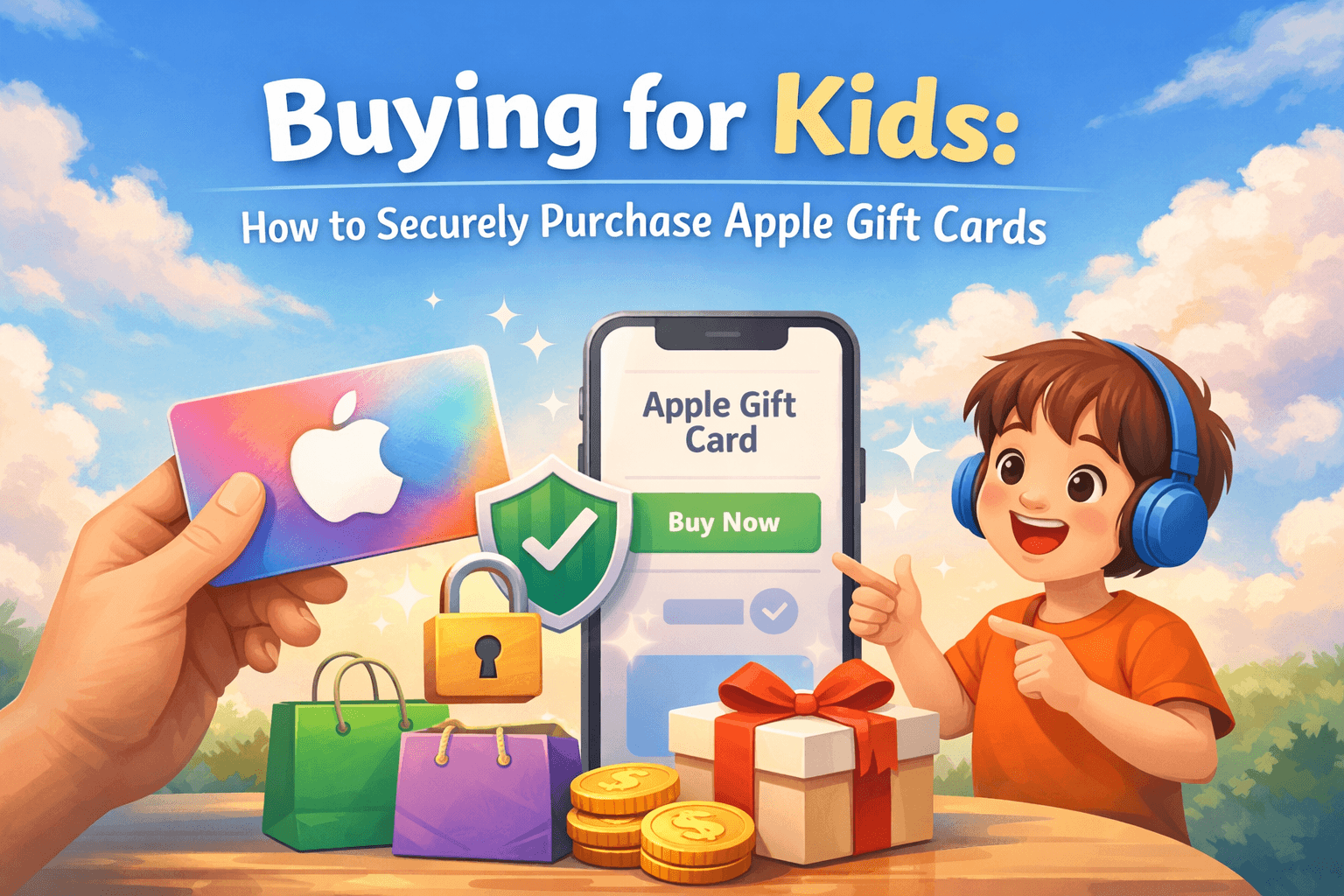
Buying digital content for kids has become easier than ever—but also riskier if parents don’t follow the right steps. From accidental overspending to online scams, purchasing gift cards for children requires a balance of convenience, control, and security. That’s why Apple Gift Cards remain one of the safest and most flexible gifting options for kids when bought correctly.
If you’re looking for a secure way to buy Apple Gift Cards for your child—whether for games, apps, music, or subscriptions—trusted platforms like Pokibit offer a smooth, safe, and parent-friendly purchasing experience. This guide breaks down everything you need to know, from safety checks to smart buying strategies.
Parents increasingly prefer Apple Gift Cards because they remove the need to attach credit or debit cards to a child’s Apple ID. According to industry data, over 65% of parents globally use gift cards as a safer alternative to direct card payments for digital purchases.
With these cards, kids can:
Most importantly, parents stay in control.
Many top articles focus on what to buy, but not on how things go wrong. The most common issues include:
A secure buying process avoids all of these problems from the start.
Always purchase from established, reputable platforms with verified delivery systems. Pokibit ensures instant code delivery, secure payment gateways, and transparent pricing—key factors when buying for kids.
Apple Gift Cards are region-specific. For example, US cards work only on US Apple IDs. Buying the wrong region is one of the most common parental mistakes and can lead to unused balances.
Industry reports show that over 40% of gift card scams involve fake discount listings. Stick to platforms offering realistic offers rather than exaggerated price cuts.
Buying the card is only half the job. Apple provides built-in parental controls that many guides fail to explain properly.
After redeeming Apple Gift Cards:
These steps ensure your child can enjoy their balance without overspending.
Digital gift cards are statistically safer. Physical cards can be:
Digital delivery eliminates these risks and allows parents to store or share codes securely. Platforms like Pokibit deliver codes instantly via protected systems, making them ideal for parents purchasing remotely.
Based on spending data across app stores:
Using Apple Gift Cards instead of direct payments reduces accidental overspending by nearly 30%, according to surveys of parental spending.
Even well-meaning parents make these errors:
Avoiding these mistakes ensures a smooth and stress-free experience.
Pokibit is designed for users who value security and convenience. When you purchase through Pokibit, you benefit from:
This makes Pokibit especially suitable for parents buying Apple Gift Cards for children.
An underrated benefit of Apple Gift Cards is education. Kids learn:
Parents who use gift cards report better spending discipline compared to unrestricted card access.
Buying digital content for kids doesn’t have to be risky. With the right platform, correct region selection, and proper parental controls, Apple Gift Cards become one of the safest ways to let children explore the Apple ecosystem responsibly.
The key is not just to buy—but to buy smart, securely, and from a trusted source.
If you’re looking for a secure, fast, and parent-approved way to purchase Apple Gift Cards, choose a platform trusted by thousands of users worldwide.
👉 Buy Apple Gift Cards securely from Pokibit today
Visit https://www.pokibit.com/
Give your kids freedom—without giving up control.
How to Redeem Nintendo eShop Credit Without Using Nintendo Account Password
Can I Redeem Part of a Roblox Card & Save Balance?
Use Apple Gift Balance to Avoid Subscription Auto-Renewals

How to Choose the Right Payment Method for Buying Google Play Gift Cards
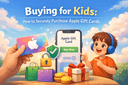
Buying for Kids: How to Securely Purchase Apple Gift Cards

How to Apply First-Time Top-Up Bonus for Maximum Shard Gain in Honkai Star Rail
Scammer Tactics: Fake Offers That Steal Your Poppo Live User ID

How to Use Razer Gold to Subscribe to Game Passes

Why Valorant Gift Cards Are Perfect Gamer Gifts

How to Combine Coupons for Extra Razer Gold Savings
