Published on: Thu 30-Jul-2026 10:35 AM
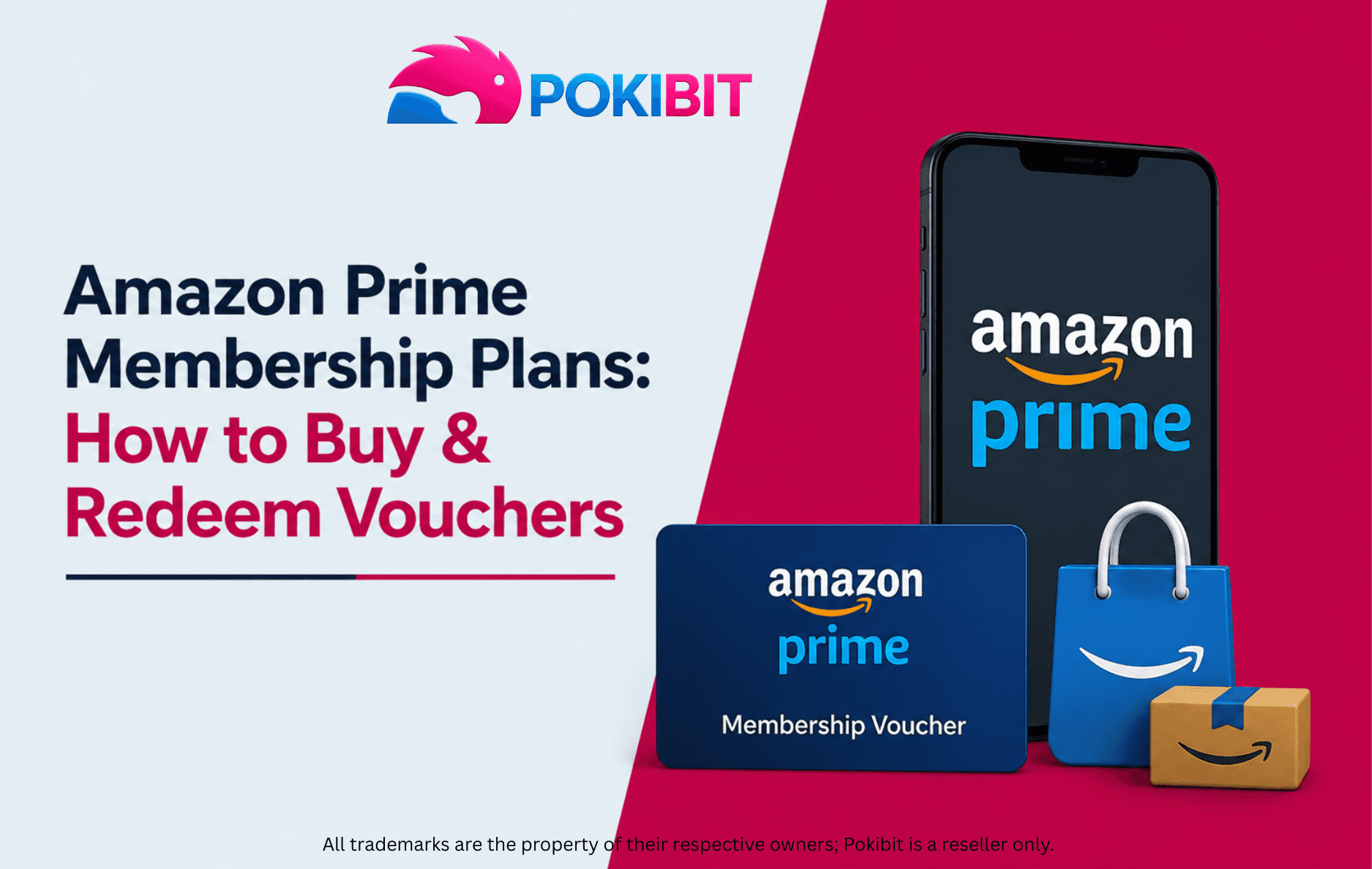
Love fast delivery and non-stop shows? Then you already know Amazon Prime. It gives you quick shipping, movies, music, and much more, all in one simple plan.
Now here's the easy part. You don't have to sign up directly on Amazon. You can just buy a Prime voucher, redeem the code, and you're done. No card details, no long process.
In this guide, we'll show you the Prime plans available, how to buy a voucher online, how to redeem it, and a few quick tips before you pay.
An Amazon Prime membership voucher is basically a code that, once redeemed, activates or extends Prime benefits on an eligible Amazon account. Instead of entering your card details directly with Amazon, you buy the voucher separately and apply the code yourself. It's a straightforward way to get Prime access without committing to an automatic renewal right away.
There are a few reasons people prefer buying a voucher over a direct subscription:
Pokibit currently offers two Amazon Prime voucher plans:
Both plans unlock the same core Prime perks — fast delivery, Prime Video, Prime Music, and exclusive deals. The only real difference is how long the membership lasts.
The right plan really depends on how you use Prime:
Head over to the Amazon Prime Membership page on Pokibit to see the current plans on offer.
Pick the duration that fits your needs — whether that's the shorter 3-month option or the full 12-month plan.
Once you've selected your plan, you'll go through a secure checkout process. Take a moment to review your order details before confirming, and you'll receive your digital voucher shortly after. Right now, Pokibit is offering up to 6% OFF, which is worth checking before you buy.
Make sure you're logged into the specific Amazon account where you want Prime activated. This part matters, since vouchers are usually tied to the account they're redeemed on.
Head to Amazon's redemption page and enter the code exactly as it was provided. Double-check for typos, since even a small mistake can cause an error.
After entering the code, check your account settings to confirm Prime has been activated and everything looks correct.
Buying online means you skip the queues entirely. Once your purchase goes through and the voucher is redeemed, access is typically instant.
With multiple plan durations available, it's easier to pick something that actually fits your budget and how often you plan to use Prime.
Whenever you're buying a voucher, it's worth taking a minute to check the seller's reputation and confirm the voucher's eligibility before completing the purchase.
Important Note: An Amazon Prime Voucher has an expiry of 12 months from the date of activation, subject to applicable terms.
Redeem your voucher well before it expires rather than letting it sit unused.
The voucher works only with Amazon accounts in the designated region, so confirm this matches your account before buying.
A few other points worth knowing:
If your code isn't working, try these steps:
If Prime doesn't show as active right away:
Before completing payment, it's always worth double-checking the plan details — duration, price, and terms — so you don't end up with something you didn't intend to buy.
Can I gift an Amazon Prime Membership voucher? Yes, vouchers are often used as gifts since they can be shared digitally and redeemed by whoever receives them. Just buy it on Pokibit and forward the code to the recipient.
How long is an Amazon Prime voucher valid? On Pokibit, an Amazon Prime Voucher is valid for 12 months from the date of activation, subject to applicable terms.
Can I extend my existing Prime membership? In many cases, yes — redeeming a Pokibit voucher can add time to an already active membership, depending on current terms.
Where can I buy Amazon Prime vouchers online? You can browse available plans on the Pokibit Amazon Prime Membership page, with both 3-month and 12-month options in stock.
Is it safe to buy Amazon Prime vouchers online? Pokibit is a verified seller offering instant delivery, secure checkout, and 24/7 support, so you can buy with confidence.
Can I use multiple Amazon Prime vouchers? This depends on Amazon's current policies, so it's worth checking the terms before assuming multiple vouchers can be stacked.
Want the full picture? Check out Amazon Prime Voucher: Buy, Redeem & Activate — a quick, easy read that covers buying, activating, and using your voucher, start to finish.
Ready to enjoy Prime shopping, entertainment, and exclusive member benefits? Choose the Amazon Prime Membership plan that suits your needs, purchase your voucher online, and redeem it in just a few simple steps. Explore the available membership options on Pokibit and save up to 6% OFF on eligible vouchers.

Moba Legends (MLBB) Diamonds Global Top-Up – Fast, Secure & Affordable

How To Buy Marvel Rivals Lattices Instantly: A Complete Step-by-Step Guide

Amazon Prime Membership Plans: How to Buy & Redeem Vouchers

Steam Wallet Gift Card ₹150, ₹500, ₹1000 & More: Buy, Redeem & Use in India

How to Buy Super Mario Odyssey with a Nintendo eShop Voucher (Global)
Amazon Prime Voucher: Buy, Redeem & Activate Prime Membership Online
How To Buy Roblox Gift Cards Online With Exclusive Discounts: A Complete Step-by-Step Guide

How To Top Up Your SUGO Voice Live Chat Party Account Online: A Complete Step-by-Step Guide

How To Buy And Redeem Valorant Vouchers (Global): A Complete Step-by-Step Guide

How to Save Money on Chamet Diamond Recharge Without Compromising Security