Published on: Wed 22-Jul-2026 05:19 PM
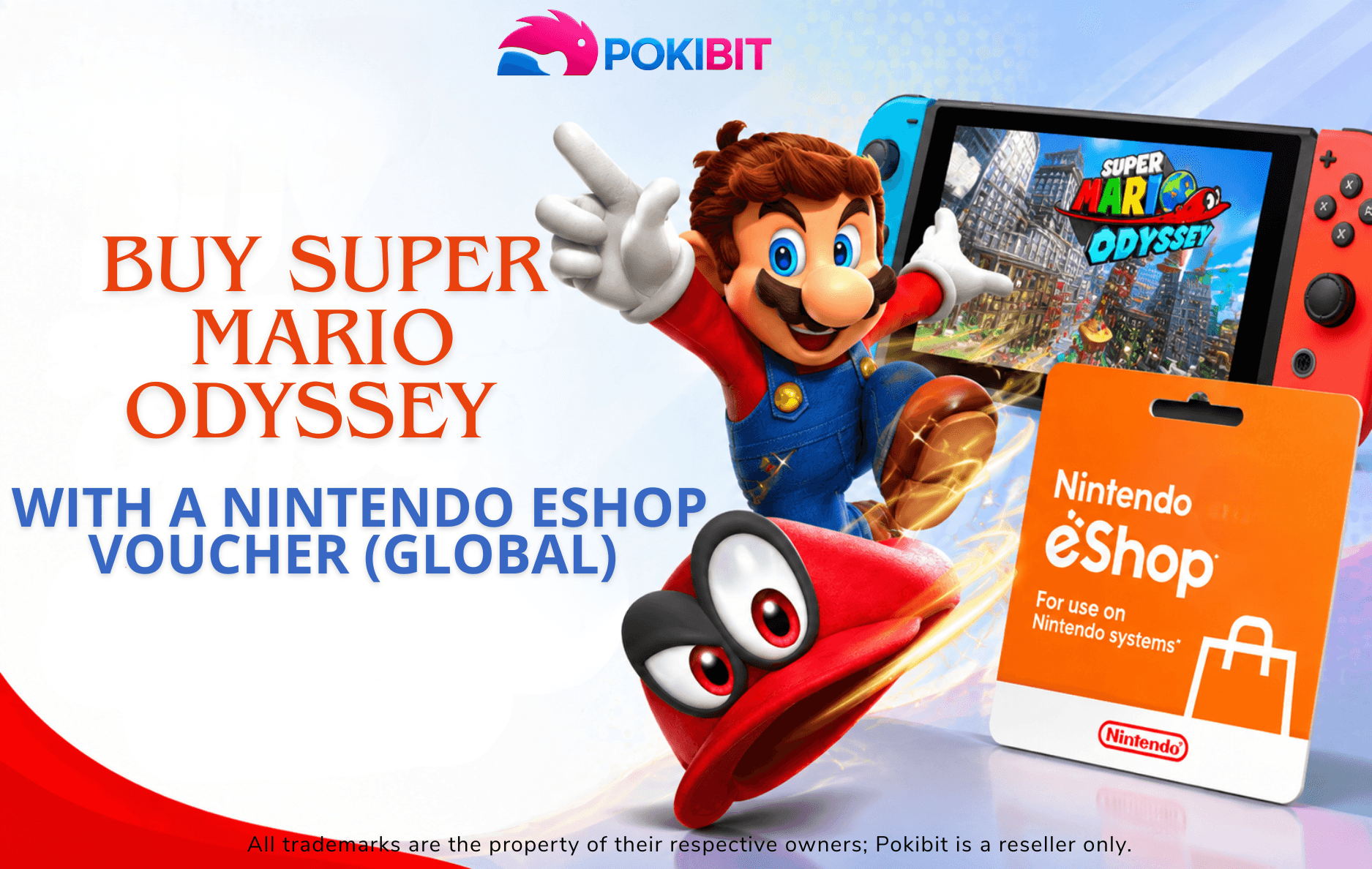
Super Mario Odyssey remains one of the most beloved Nintendo Switch games, and many players look for simple ways to pay for it without using a credit card. A Nintendo eShop Voucher can be a convenient option for funding your eShop balance, but it's important to understand how these vouchers actually work before you buy one. This guide walks you through what a Nintendo eShop Voucher is, how to check compatibility with your account, and how to complete your purchase of Super Mario Odyssey safely.
A Nintendo eShop Voucher is a digital code that adds funds to your Nintendo eShop balance. Once redeemed, that balance can be used to buy eligible digital content, including Nintendo Switch games, downloadable content, and other eShop purchases. Instead of entering card details every time you shop, you simply redeem the code once and spend the balance whenever you like. This makes a Nintendo eShop voucher a convenient option for gamers who prefer prepaid, code-based purchases or who want more control over their spending.
In most cases, yes — once a voucher is redeemed and its value is added to your account balance, that balance can generally be used toward the purchase of Super Mario Odyssey, provided the game is available in your eShop region and priced within your available balance.
Before buying any voucher, take a moment to confirm a few details:
It's worth noting that "global" labeling on a voucher describes its broad usability, not automatic compatibility with every single Nintendo Account region. Regional restrictions can vary, so always check the product description and Nintendo's current terms before completing your purchase.
Head to the Nintendo eShop Voucher (Global) page on Pokibit to view the available voucher options.
Choose the denomination and voucher type that matches your needs and confirm it aligns with your account's region requirements.
Follow the checkout steps on Pokibit to finalize your order using your preferred payment method.
After your purchase is confirmed, your Nintendo eShop code is delivered digitally, so there's no need to wait for physical shipping.
Launch the Nintendo eShop app on your Nintendo Switch console.
Make sure you're signed in to the correct Nintendo Account profile.
Navigate to your account settings and find the "Redeem Code" option within the eShop menu.
Carefully type in the code from your Pokibit purchase, double-checking each character.
Once confirmed, the voucher's value is added to your eShop balance, ready to use for eligible digital purchases like Super Mario Odyssey.
From the eShop home screen, use the search bar to look up Super Mario Odyssey.
Confirm the listed price matches your available balance.
Choose "Add to Cart" or the direct purchase option, then proceed to checkout.
Once the purchase is processed, the game begins downloading automatically to your console's storage.
Double-check for typos, and confirm the code hasn't expired.
If the voucher isn't recognized, it may not match your account's registered region — this is why checking compatibility beforehand matters.
If your balance doesn't cover the full price, you may need to redeem an additional voucher or use another payment method for the remainder.
If a code shows as already used, contact the seller for support rather than attempting multiple redemptions.
Yes, as long as the redeemed balance is sufficient and the game is available in your eShop region.
Redeem your voucher, then search for and purchase the game directly through the Nintendo eShop.
Open the eShop, go to your account, select "Redeem Code," and enter your voucher number.
You can purchase one through the Pokibit Nintendo eShop Voucher page.
Not necessarily — always verify regional compatibility with your Nintendo Account before purchasing.
Yes, once redeemed, the balance can be used for eligible Nintendo Switch digital games.
Recheck the code for errors and confirm regional compatibility; if issues persist, reach out to the seller.
Redemption typically requires access to the Nintendo eShop through a supported device linked to your Nintendo Account.
Digital codes are usually delivered shortly after purchase confirmation, since no physical shipping is involved.
For more details on the redemption process, check out this related guide on how to buy and redeem Nintendo eShop Global Gift Cards.
Ready to start your Super Mario Odyssey adventure? Check your Nintendo Account region, choose the right Nintendo eShop Voucher, and follow the redemption steps to make your digital game purchase easier. Explore the available voucher options on Pokibit and consider signing up at pokibit.com/signup for a smoother purchasing experience next time.
Whether you're new to digital purchases or a longtime Nintendo Switch player, Pokibit makes it simple to find the Nintendo eShop Voucher you need to get gaming.

Amazon Prime Voucher: Buy, Redeem & Activate Prime Membership Online

How To Buy Roblox Gift Cards Online With Exclusive Discounts: A Complete Step-by-Step Guide

How To Top Up Your SUGO Voice Live Chat Party Account Online: A Complete Step-by-Step Guide

How To Buy And Redeem Valorant Vouchers (Global): A Complete Step-by-Step Guide

How to Save Money on Chamet Diamond Recharge Without Compromising Security
Beginner's Guide to Using a Star Maker Digital Gift Card on Any Device

Poppo Live Recharge Guide 2026: Get Bonus Coins, Save Money & Top Up Securely
How to Redeem Nintendo eShop Gift Card: A Complete Guide
Buy Steam Gift Card Online and Enjoy Elden Ring, Destiny 2, and More

How to Get Cheap Chamet Diamonds in 2026 — Free Methods + Recharge Comparison