Published on: Mon 03-Aug-2026 10:12 AM
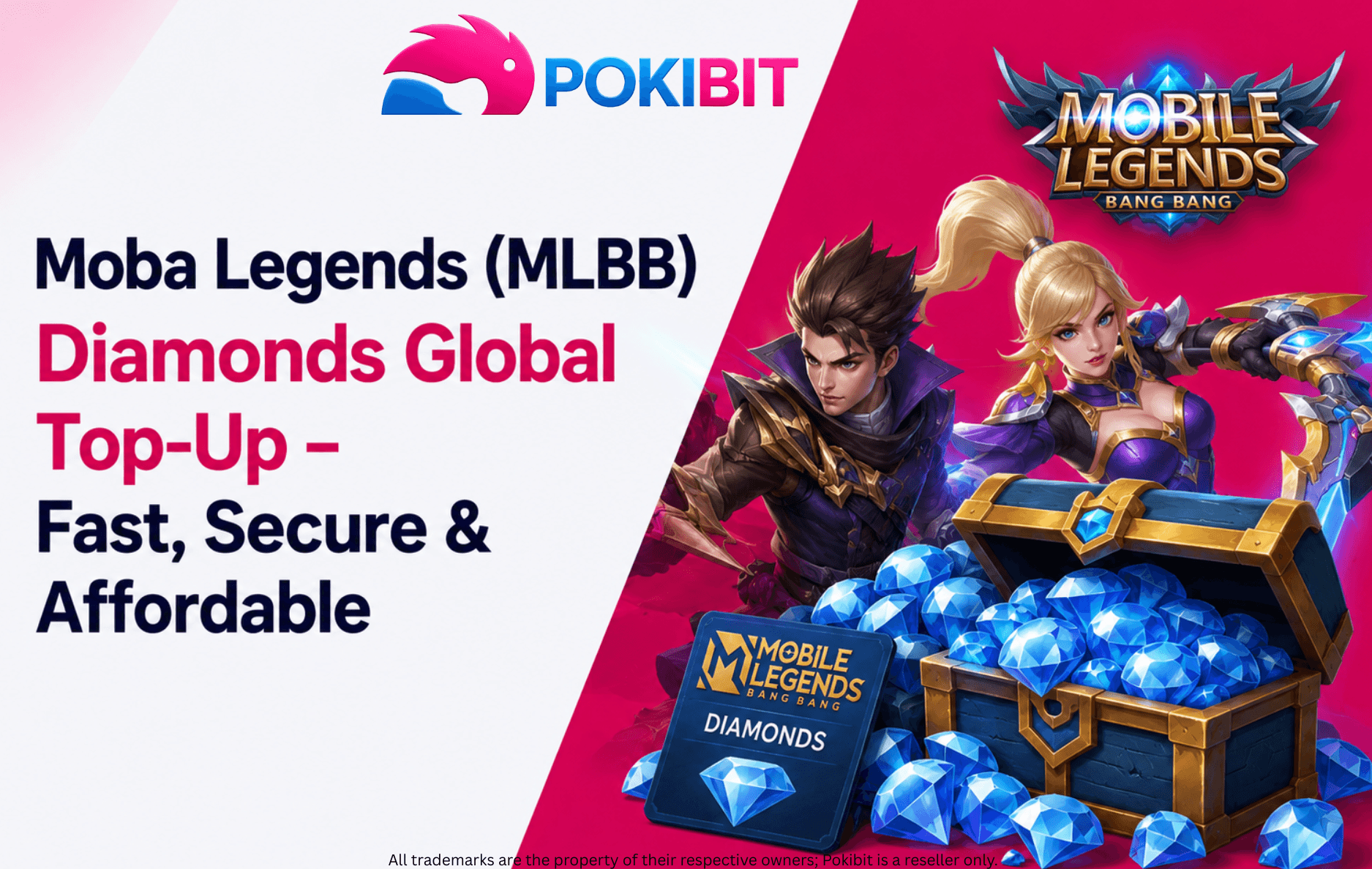
If you play Moba Legends (MLBB), you already know that Diamonds are the key to unlocking new heroes, skins, and premium in-game content. Whether you're a casual player who logs in after work or a competitive grinder chasing the next rank, buying MLBB Diamonds online is often faster and easier than topping up through the app store. In this guide, you'll learn what MLBB Diamonds actually do, how to buy them safely, and how to pick the right Diamond package for your play style — before you head over to Pokibit to complete your purchase.
MOBA Legends, widely known as Mobile Legends: Bang Bang (MLBB), is a 5v5 mobile MOBA where two teams of five heroes battle across three lanes to destroy the enemy base. Players pick from a growing roster of heroes, each with unique roles and abilities, and can jump into ranked matches to climb the competitive ladder. Along the way, the game offers skins, seasonal events, and Battle Pass rewards that let players customize their experience.
Part of MLBB's appeal is that matches are short, usually around 10 to 15 minutes, making it easy to play a quick game between other activities. The competitive ranked system keeps experienced players engaged, while a thriving esports scene gives the game a bigger stage. Add to that its accessibility on almost any smartphone, and it's easy to see why MLBB has built such a large global player base.
Diamonds are the premium in-game currency used across MLBB. They're separate from the Battle Points players earn just by playing, and they're what unlock most of the game's premium content.
Diamonds can be spent on hero skins, Battle Pass upgrades, lucky draw events, emotes, and other premium items. They're also commonly used during limited-time offers, where players can grab exclusive skins or bundles that aren't otherwise available.
MLBB is free-to-play, meaning you can enjoy the core game, unlock heroes over time, and compete in ranked matches without ever spending money. Diamonds are entirely optional and mainly used for cosmetic or convenience purchases. That said, many players choose to buy Diamonds for better value on Battle Pass access or to grab a limited-edition skin before it disappears.
Not every top-up site is reliable. Pokibit is a trusted, established platform for MLBB Diamonds, which helps reduce the risk of delayed delivery, payment issues, or account problems. Head to the Pokibit MLBB Diamonds product page to get started.
Pokibit offers Diamond packages in different sizes to suit different budgets. Pick one that matches what you're planning to spend Diamonds on, whether that's a single skin or a season's worth of Battle Pass upgrades. It's worth checking Pokibit's current package list, as pricing and options can change.
You'll need your in-game User ID and Zone/Server ID, both of which are visible on your MLBB profile page. Enter these carefully in the Pokibit order form, since incorrect details can delay or affect your top-up.
Pokibit supports multiple payment methods, including UPI and cards, depending on your region. Check the payment options listed on the product page before checking out to make sure your preferred method is available.
Delivery times can vary depending on the payment method used, but Pokibit typically processes orders quickly. It's worth checking the product notes on Pokibit for expected delivery timelines before you complete your purchase.
Instead of just chasing the lowest price, think about how you actually play.
If you play occasionally and mainly want a skin here and there, a smaller Diamond package is usually enough.
If you log in regularly and follow the Battle Pass each season, a mid-sized package that covers recurring purchases tends to offer better value.
If you're active in ranked play and want access to event skins, bundles, or larger Diamond purchases, a bigger package can save you from topping up repeatedly.
Keep an eye out for seasonal sales or bundled offers that stretch your Diamonds further. Pokibit, for example, offers discounts of up to 4% off on MLBB Diamond purchases, so it's worth checking the current offer on the product page before you check out.
Buying in smaller, planned amounts often works out better than overbuying Diamonds you won't use.
Checking a few reliable platforms before purchasing helps you find current pricing and package options.
If a deal looks too good to be true, it probably is. Unusually cheap Diamonds are a common red flag for unreliable sellers.
Even a small typo in these fields can send your Diamonds to the wrong account.
Always verify you're on a legitimate platform before entering payment details.
Product pages often include important notes about delivery or usage — skipping these can lead to confusion later.
Take a moment to confirm the package size before confirming your order.
Before checking out, take a moment to review:
MOBA Legends and Mobile Legends: Bang Bang refer to the same game. The name has appeared in different branding contexts, but most players and platforms still commonly refer to it as "Mobile Legends" or simply "MLBB."
For some players, yes — through esports tournaments, streaming, content creation, and coaching. However, only a small percentage of players can turn MLBB into a full-time income. For most, it remains a competitive hobby with occasional opportunities on the side.
Mobile Legends: Bang Bang is a 5v5 MOBA game where players team up to destroy the opposing base while managing heroes, lanes, and objectives in real time.
India has a growing MLBB player base, driven largely by esports coverage, content creators, and the broader mobile gaming community. However, there isn't an officially published, continuously updated player count specific to India.
Whether you're buying Diamonds for your first skin or preparing for a limited-time event, choosing the right package can help you get better value. If you're unsure which package suits your gameplay, review the available options and product details on the Pokibit MLBB Diamonds page before completing your purchase. Still have questions? You can reach the Pokibit support team at support@pokibit.com for help choosing the right package or resolving any order issues.
Amazon Prime Membership Plans: How to Buy & Redeem Vouchers — a useful read if you're also looking for digital subscription vouchers.
Buy Roblox Gift Cards Online: Discount Guide — a helpful guide for gamers interested in other digital gaming gift cards.
Ready to unlock new heroes, skins, and premium in-game content? Choose the MLBB Diamond package that matches your play style, verify your User ID and Server ID, and review the latest offers before placing your order.
Visit Pokibit to explore the available MLBB Diamond packages and enjoy a secure, fast, and affordable digital top-up experience.

Moba Legends (MLBB) Diamonds Global Top-Up – Fast, Secure & Affordable
How To Buy Marvel Rivals Lattices Instantly: A Complete Step-by-Step Guide
Amazon Prime Membership Plans: How to Buy & Redeem Vouchers
Steam Wallet Gift Card ₹150, ₹500, ₹1000 & More: Buy, Redeem & Use in India
How to Buy Super Mario Odyssey with a Nintendo eShop Voucher (Global)
Amazon Prime Voucher: Buy, Redeem & Activate Prime Membership Online
How To Buy Roblox Gift Cards Online With Exclusive Discounts: A Complete Step-by-Step Guide

How To Top Up Your SUGO Voice Live Chat Party Account Online: A Complete Step-by-Step Guide
How To Buy And Redeem Valorant Vouchers (Global): A Complete Step-by-Step Guide
How to Save Money on Chamet Diamond Recharge Without Compromising Security