Published on: Sat 27-Jun-2026 08:49 AM
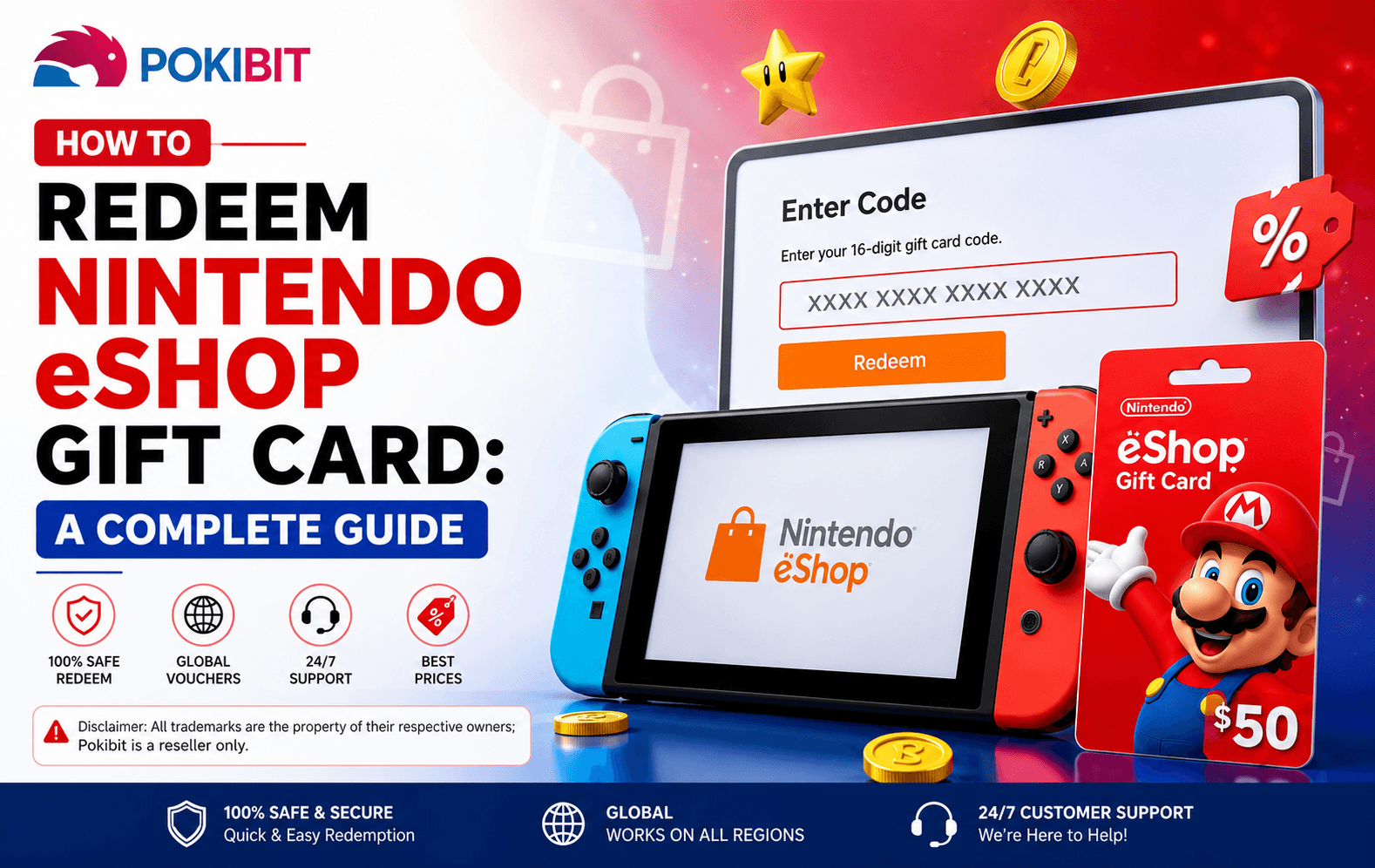
Got a Nintendo eShop gift card and not sure what to do next? This guide covers everything — what the card is, what you need, and exactly how to redeem it on your console or online.
A Nintendo eShop Gift Card is a prepaid voucher that adds funds to your Nintendo Account wallet. You can use the balance to buy games, DLC, and subscriptions directly from the Nintendo eShop.
You need an active Nintendo Account before starting. Create one free at nintendo.com if you do not have one.
An active internet connection is required, whether you are redeeming on console or through a browser.
Console redemption works on both Nintendo Switch and Nintendo Switch 2 using the same steps.
Keep your 16-digit code ready. It is usually printed on the card or delivered to your email after purchase.
Select the Nintendo eShop icon from your Switch home screen.
Enter your login credentials if prompted.
Scroll to the left sidebar and select Enter Code.
Type the Nintendo eShop download code carefully. Avoid common mix-ups like letter O and number 0.
Review the details on screen and press OK to confirm.
Yes. You can redeem Nintendo eShop code without a console using the Nintendo Account website. This is useful when your Switch is not nearby.
Visit accounts.nintendo.com, sign in to your Nintendo Account, and select Redeem Code from your account menu.
Re-enter the code carefully and avoid typos. Copy and paste if possible.
Contact the retailer where the card was purchased and provide proof of purchase.
Nintendo eShop gift cards are region-locked. Make sure the card region matches your Nintendo Account region before purchasing.
Check your purchase history in your Nintendo Account. If you did not redeem the code, contact Nintendo Support immediately.
Restart your router or switch to a different network. Check Nintendo server status at nintendo.com if the issue continues.
Open the Nintendo eShop on your Switch, select Enter Code, type your 16-digit code, and confirm.
Enter all 16 characters exactly as shown in the Enter Code section on your console or at accounts.nintendo.com.
Yes. Use your Nintendo Account at accounts.nintendo.com to complete Nintendo eShop code redemption without a console.
No. You only need a Nintendo Account and your valid Nintendo eShop download code.
Check for typos, region mismatch, or whether the code has already been redeemed. Contact Nintendo Support if none of these apply.
Your Nintendo eShop download code is delivered to your inbox immediately after payment is confirmed.
Pokibit uses encrypted payment systems to keep your personal and financial details safe.
Regular deals on Nintendo eShop vouchers make Pokibit a smart choice for single purchases and bulk buys.
Pokibit is a dedicated digital gaming platform trusted by gamers for fast, reliable code delivery.
Visit pokibit.com, create your free account at pokibit.com/signup, and purchase your Nintendo eShop voucher today. Your code will be ready to redeem within minutes.
Get your Nintendo eShop Gift Card from Pokibit and start playing your favorite Nintendo games right away.

Moba Legends (MLBB) Diamonds Global Top-Up – Fast, Secure & Affordable
How To Buy Marvel Rivals Lattices Instantly: A Complete Step-by-Step Guide

Amazon Prime Membership Plans: How to Buy & Redeem Vouchers
Steam Wallet Gift Card ₹150, ₹500, ₹1000 & More: Buy, Redeem & Use in India
How to Buy Super Mario Odyssey with a Nintendo eShop Voucher (Global)
Amazon Prime Voucher: Buy, Redeem & Activate Prime Membership Online
How To Buy Roblox Gift Cards Online With Exclusive Discounts: A Complete Step-by-Step Guide

How To Top Up Your SUGO Voice Live Chat Party Account Online: A Complete Step-by-Step Guide

How To Buy And Redeem Valorant Vouchers (Global): A Complete Step-by-Step Guide
How to Save Money on Chamet Diamond Recharge Without Compromising Security
